
Aesthetic Photo Boy
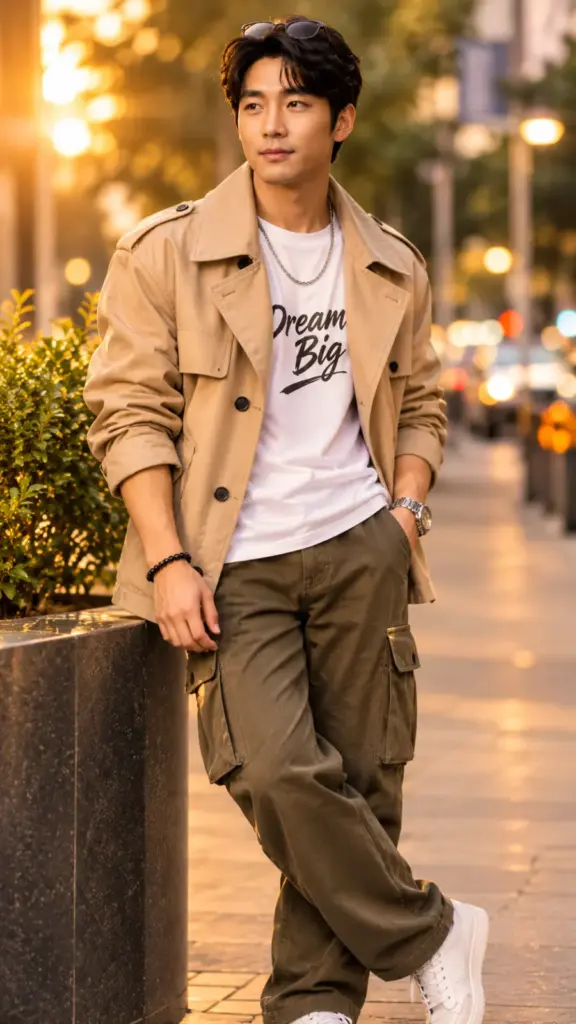
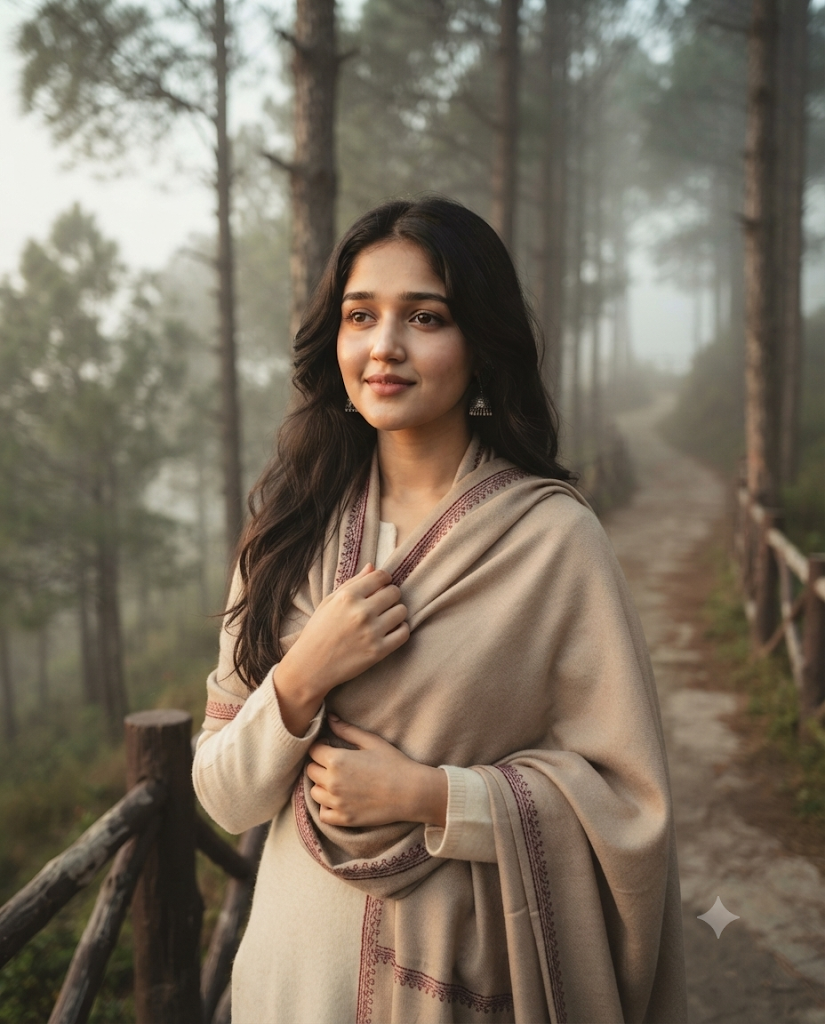
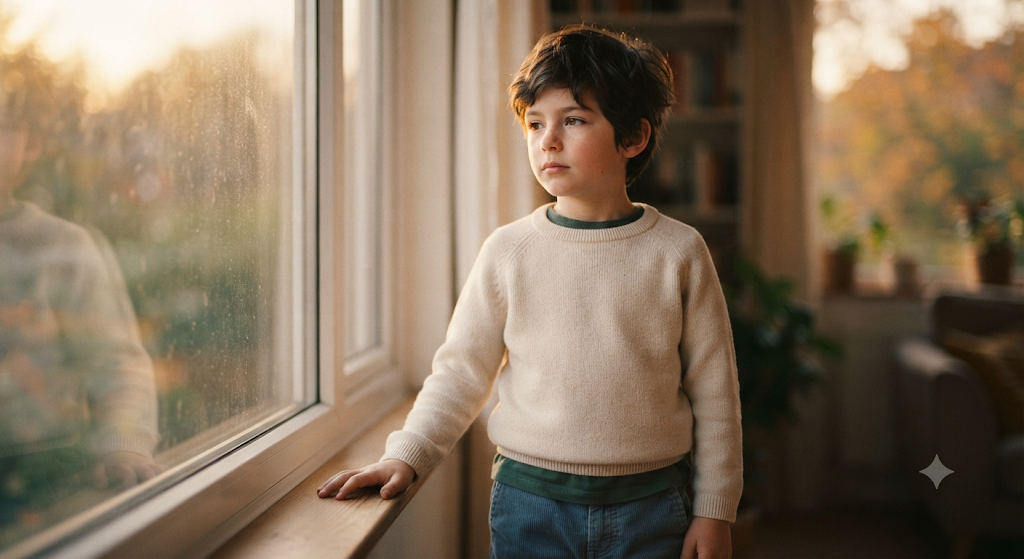
A realistic AI photo of you in a brown corduroy shirt over a white tee at a cozy room with polaroids on fairy lights and dried flowers.
📸 STEP 1: Attach your photo (one clear, front-facing photo in good light, no sunglasses, no filter).
✍️ STEP 2: Paste this full prompt and send.

Create an ultra-realistic, high-resolution photograph of the young man from my attached photo. Keep the face, skin tone, hairstyle, age and facial features exactly the same as in my attached photo. Do not beautify, slim, whiten or change the face in any way.

SUBJECT & POSE: sitting by a window holding a vintage film camera, looking softly at the camera
OUTFIT: a brown corduroy shirt over a white tee
LOCATION: a cozy room with polaroids on fairy lights and dried flowers
LIGHTING: soft warm window light, the whole scene clearly visible, no dark areas, no heavy shadows.
CAMERA: 85mm portrait lens, f/1.8, eye level, waist-up framing, sharp focus on the face.
COLOURS & MOOD: beige, brown and cream, film-like
QUALITY: photorealistic, natural skin texture, clean background, realistic proportions, 4:5 aspect ratio.

AVOID: changing the face, extra fingers, distorted hands, cartoon or painting look, blurry face, dark or underexposed areas, text errors, watermark, logo.
ⓘ AI results vary: the same prompt can give a different image each time, depending on the AI tool, its version and your photo. Please check every image before you use or share it. Learn more
- Prompt Style
- Realistic
- Gender Category
- Kids
- Occasion
- Everyday
- Recommended AI Tool
- Google Gemini
Aesthetic Photo Boy: turn your own photo into a realistic, high-quality AI picture with Gemini or ChatGPT – no editing skills needed. Just attach your photo, paste the prompt and get your result in under a minute.
Best for: boys – Instagram posts, WhatsApp status and new profile pictures.
How to use the Aesthetic Photo Boy prompt
- Tap Use Prompt on this page – the full prompt is copied.
- Open the Gemini app or ChatGPT and start a new chat.
- Tap + and attach one clear, front-facing photo of yourself in good daylight – both eyes visible, no sunglasses, no mask and no beauty filter.
- Long-press in the message box, tap Paste and check that the whole prompt is there (down to the AVOID line).
- Tap Send and wait a few seconds. If you get text instead of a picture, reply: Please create the image now using my attached photo.
- Download the image and share it.
Tips for the best Aesthetic Photo Boy result
- If the face changes, reply in the same chat: Keep my face exactly the same as in my photo and generate again.
- A sharp front-facing photo gives the most similar face; avoid screenshots and blurry or very small photos.
- Want more versions? Ask in the same chat, e.g. Now make the same photo in a different pose.
Make the Aesthetic Photo Boy look your own
You can edit the prompt before sending: change the outfit colour, the place or the mood – just keep the line that tells the AI to keep your face the same.
Only use photos of yourself or of people who agreed. Results depend on the AI tool and can differ each time.
Why people love the Aesthetic Photo Boy prompt
The Aesthetic Photo Boy prompt gives you a professional-looking photo without a studio, a photographer or any editing app. Everything – the pose, the outfit, the light and the background – is already written for you, so the result looks planned and polished. It is a quick way to get a fresh picture for your profile, a special day or your Instagram feed, and you can make as many versions as you like.
Which AI app works best?
This prompt is written for Google Gemini and also works in ChatGPT. Gemini is free, fast and usually keeps your face very close to your photo, so it is the best place to start. ChatGPT gives a slightly more artistic look. Both work on your phone: open the app, attach your photo, paste the prompt and send. If one app gives a result you do not like, try the same prompt in the other one.
Aesthetic Photo Boy: frequently asked questions
Is the Aesthetic Photo Boy prompt free?
Yes. You can copy and use this prompt for free as often as you want. The AI apps it works with also have free plans.
Will my face stay the same?
The prompt tells the AI to keep your face exactly as in your photo. A clear, front-facing photo in daylight gives the best match. If the face still changes, reply in the same chat: “Keep my face exactly the same as in my photo.”
Why does my result look different from the example?
AI apps create a new image every time, so the result changes with the app, its version and your photo. Generate again or ask for small changes in the same chat until you like it.
Can I use the photo on Instagram or WhatsApp?
Yes, the picture you create is yours to share. Only use photos of yourself or of people who agreed, and do not present AI pictures as real events.
More prompts like this
Looking for more ideas? Browse our Boys AI photo prompts or explore the full AI photo prompt library – new trending prompts are added every week.